Some participating Lifeline carriers offer a tablet — instead of or alongside a phone — to eligible households, either bundled with a qualifying data plan or as a standalone data-only device. Availability depends on carrier and ZIP code.
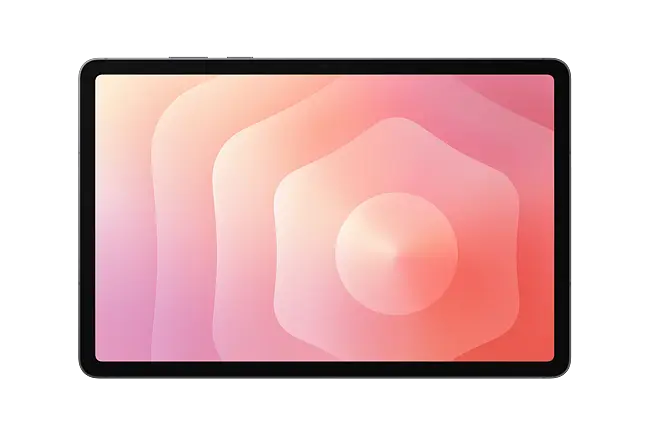
Standard 8–10" Android tablet, data-only, bundled with select Lifeline plans. The most commonly available tablet option across participating carriers.
Check Availability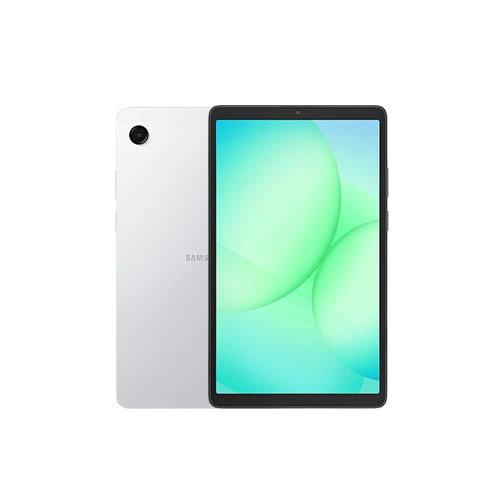
Samsung's budget-friendly tablet line, offered by select participating carriers with Lifeline-supported data plans.
Check Availability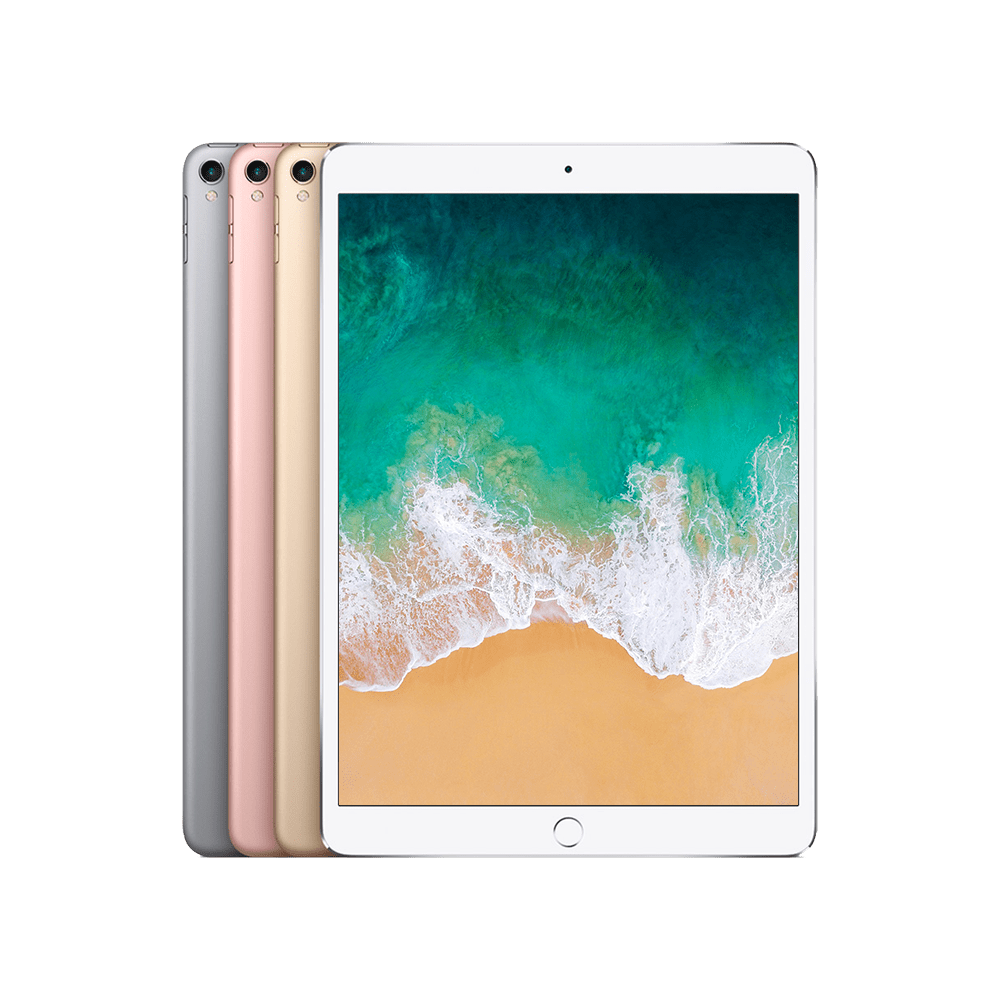
Limited availability among participating carriers; typically requires a small co-pay where offered.
Check Availability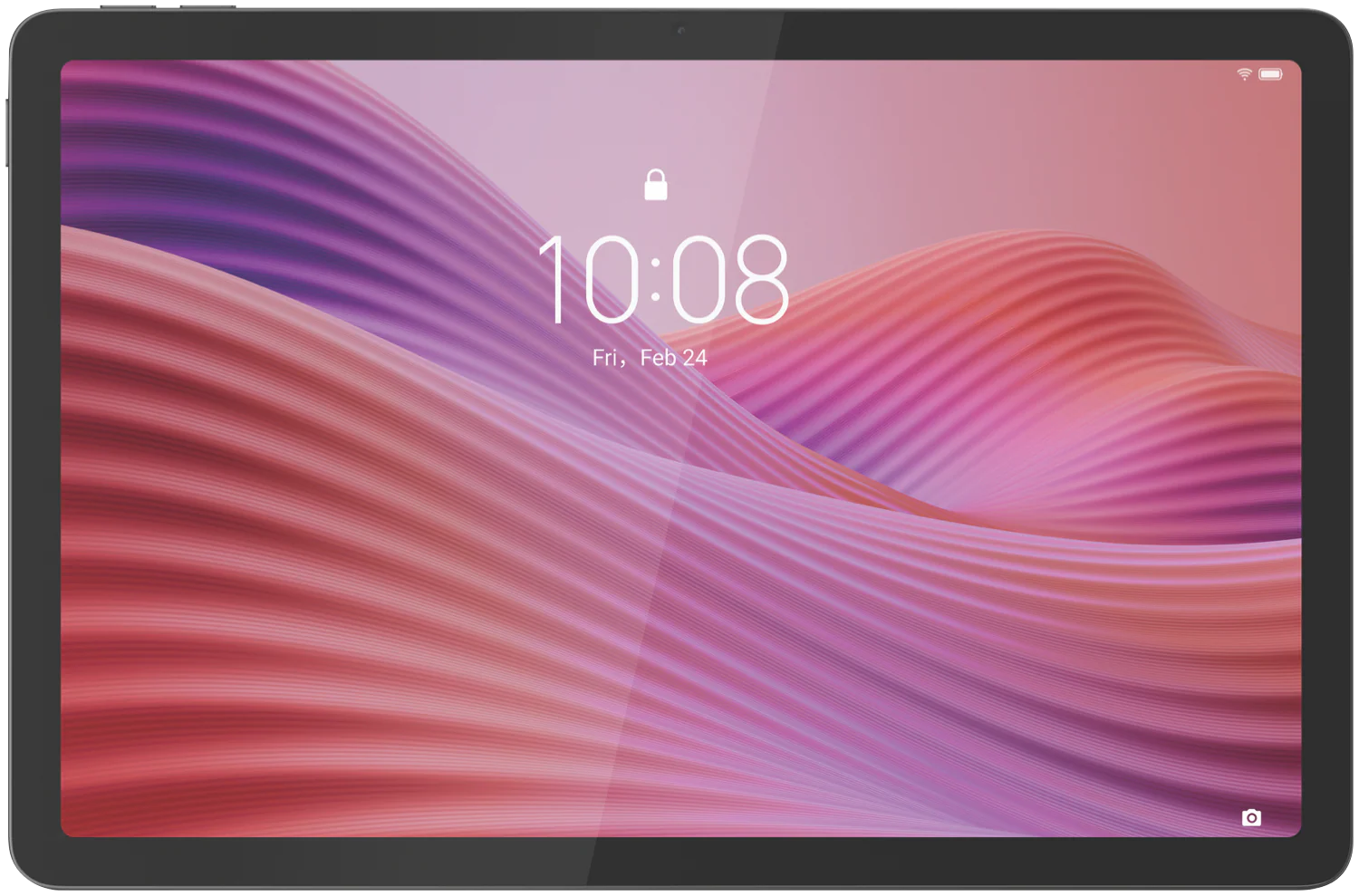
Occasionally offered as a budget Android alternative by carriers stocking Lenovo's tablet line.
Check Availability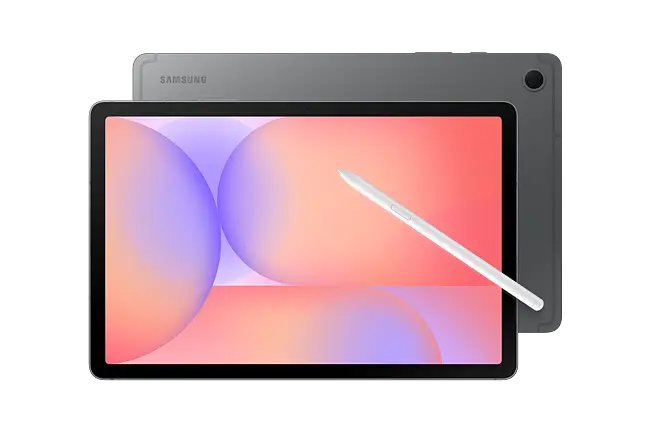
If your household uses an EBT card for SNAP, that active enrollment is one of the fastest paths to a Lifeline-supported tablet.
Read the Full Guide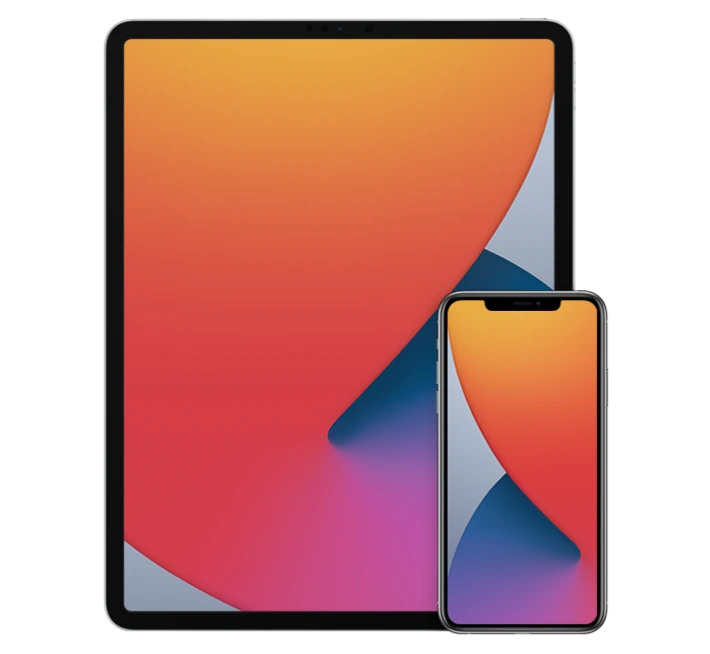
A small number of carriers occasionally bundle both a phone and a tablet for qualifying households. See eligibility, documents, and how to apply.
Read the Full GuideHouseholds with income at or below 135% of the Federal Poverty Guidelines for their household size qualify for Lifeline, which can extend to a tablet offer where a participating carrier has one available.
Active enrollment in SNAP, Medicaid, SSI, Federal Public Housing Assistance, or Veterans/Survivors Pension also qualifies a household. SNAP enrollment (often tied to an EBT card) is one of the most common qualifying paths for a tablet offer specifically — see our Free Tablet with EBT guide for details.
A government-issued photo ID for the applicant.
A benefit award letter or EBT-linked case number (program-based), or recent pay stubs/tax return (income-based).
Only needed if it doesn't match your photo ID — a utility bill or lease works.
See our full required documents guide for details on acceptable document types.
Confirm you qualify by income or program participation using our free eligibility checker.
Tablet availability is carrier- and location-specific — we'll show which participating carriers near you currently offer one.
Select a tablet-compatible data plan rather than a standard phone plan when prompted.
Once approved, your carrier ships the tablet with setup instructions, or provides an activation code for an eSIM-compatible model.
If your household currently uses an EBT card for SNAP benefits, that active enrollment is one of the fastest-recognized qualifying paths for Lifeline — and by extension, for a Lifeline-supported tablet where a participating carrier offers one. The National Verifier can often confirm SNAP participation through an automatic database match, meaning no extra documents beyond your basic application details in many cases.
Your EBT card number itself isn't submitted as part of a Lifeline application — eligibility is confirmed through the database match or a SNAP award letter, not by providing card details. This distinction matters: legitimate Lifeline applications never ask for your EBT PIN or card number.
We've put together a complete, dedicated guide covering exactly how SNAP/EBT enrollment translates into tablet eligibility, what to expect during application, and which participating carriers most commonly offer tablets to SNAP households.
 Government iPhone